
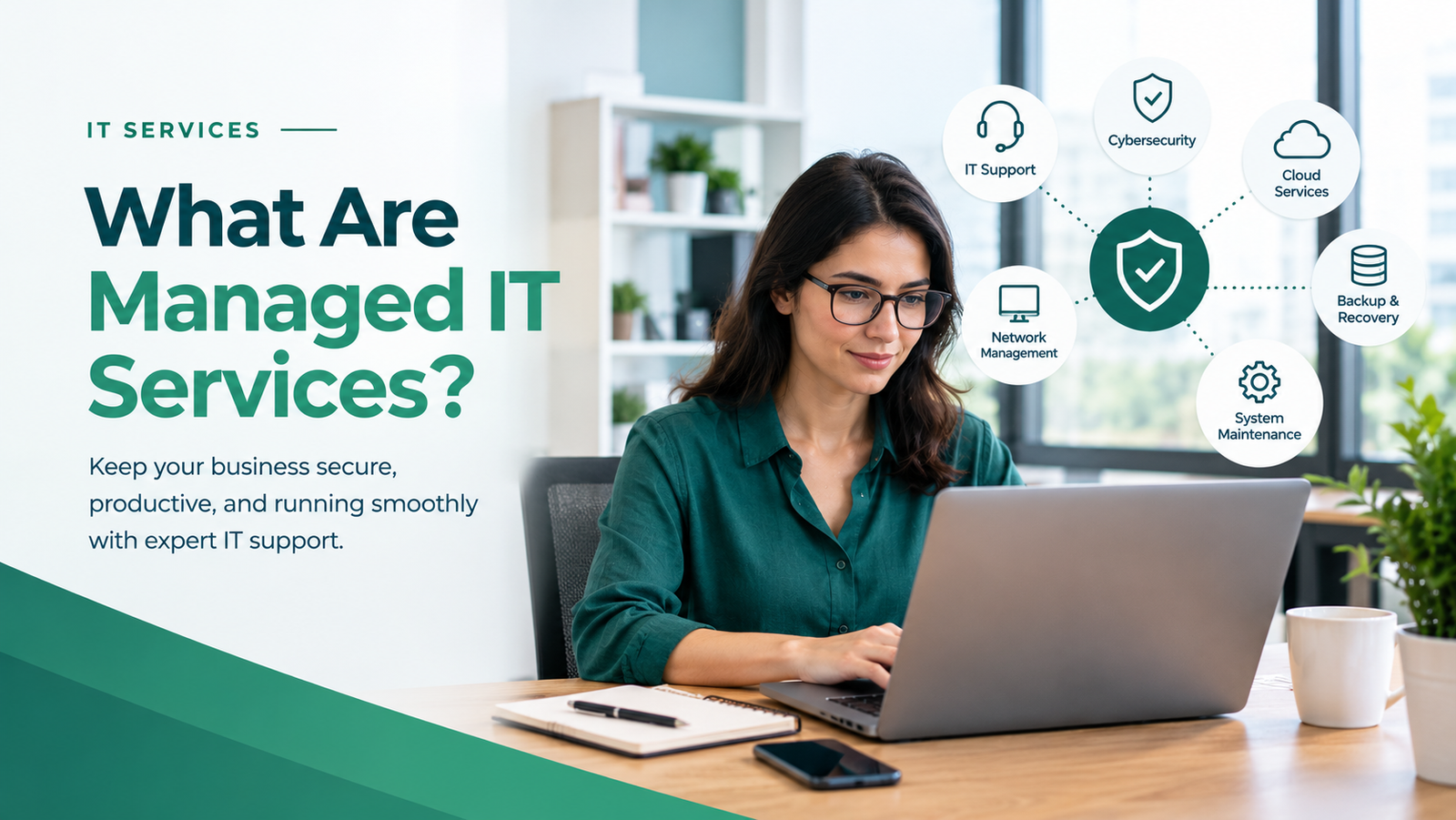
Managed IT services are technology services provided by an external IT company that monitors, maintains, and supports a business’s IT systems under an agreed service arrangement. These services may include technical support, software updates, cybersecurity, backups, network maintenance, and system monitoring. Instead of handling every technology problem internally, a business works with an IT provider to keep its systems reliable, secure, and efficient.
For many businesses, technology is essential to daily operations. Employees rely on computers, email, cloud applications, networks, and business software to complete their work. When these systems fail, productivity can suffer, customers may experience delays, and business operations can be disrupted.
Managed IT services help businesses maintain their technology and address potential problems before they cause major interruptions.
In this guide, Remotijobs explains how managed IT services work, what they include, their benefits, and how to determine whether your business needs them.
How Do Managed IT Services Work?
Managed IT services usually involve an ongoing agreement between a business and an external IT provider, commonly called a managed service provider (MSP).
The provider takes responsibility for specific technology tasks based on the agreement. These responsibilities may include monitoring systems, maintaining devices, resolving technical issues, applying security updates, and helping the business recover from technology disruptions.
Unlike a purely reactive arrangement, managed IT services often focus on maintaining systems and reducing the likelihood of recurring problems.
Here is how the process typically works:
- Assessment: The provider reviews your existing technology, business requirements, and current IT challenges.
- Planning: Both parties agree on the services, responsibilities, priorities, and support arrangements.
- Implementation: The provider configures the necessary tools, monitoring, maintenance procedures, and security controls.
- Ongoing management: The provider performs the agreed maintenance and support activities.
- Review and improvement: The provider reviews recurring issues, identifies improvement opportunities, and adjusts services as your business changes.
The exact process depends on the provider and the scope of the contract. Some businesses outsource nearly all IT management, while others use managed services to supplement their internal IT team.
What Do Managed IT Services Include?
Managed IT services can cover different areas of business technology. The right combination depends on your systems, risks, budget, and operational requirements.
1. IT Support and Troubleshooting
Employees may experience computer problems, software errors, email issues, printer failures, and network interruptions.
Managed IT support gives employees a defined process for reporting technical problems and receiving assistance.
Depending on the agreement, support may include:
- Computer and software troubleshooting
- Email and account support
- Application installation and configuration
- Remote technical assistance
- Hardware and connectivity troubleshooting
This helps employees spend less time dealing with technical problems and more time completing their work.
2. Network and Infrastructure Management
Businesses depend on reliable networks to connect computers, printers, servers, cloud applications, and other devices.
Network and infrastructure management helps maintain these systems and identify configuration or performance issues.
Services may include network monitoring, router and firewall configuration, device management, and server maintenance.
For businesses with more complex environments, infrastructure support may also include capacity planning and performance monitoring.
3. Cybersecurity Management
Cybersecurity is an important part of managed IT services, although the exact level of protection varies by provider.
Depending on the agreement, security services may include:
- Software and security updates
- Multi-factor authentication implementation
- Endpoint protection management
- Access and permission reviews
- Security monitoring and alert handling
- Backup and recovery planning
- Coordination of incident response
More advanced services, such as penetration testing, threat hunting, and security operations monitoring, may require a separate cybersecurity engagement.
If your business needs to evaluate website risks, explore Remotijobs Cybersecurity Services.
4. Backup and Disaster Recovery
Unexpected events can cause data loss. Hardware failures, accidental deletion, ransomware, and service interruptions can affect business operations.
Managed IT services may include backup scheduling, backup monitoring, recovery planning, and restoration testing.
A proper recovery plan should define which information is protected, how frequently it is backed up, and how quickly critical systems need to be restored.
Backups should also be protected from unauthorized access and deletion. Simply creating a backup does not guarantee that recovery will succeed.
5. Software and Device Management
Business computers and applications require regular maintenance.
A managed IT provider may help install updates, maintain supported software, configure devices, and standardize settings across employee computers.
This can reduce inconsistencies and make it easier to support new employees.
Device and software management may also include tracking equipment, managing licenses, and removing access when employees leave the company.
6. Cloud and Email Management
Many businesses use cloud platforms for email, file storage, collaboration, and business applications.
Managed services may help configure accounts, manage permissions, troubleshoot access problems, and maintain appropriate security settings.
Providers may also help businesses plan cloud migrations or improve how existing systems are configured.
The specific platforms and responsibilities should be documented in the service agreement.
7. IT Planning and Consulting
Managed IT services can also help businesses make better technology decisions.
Instead of replacing equipment only when it fails, a provider can help plan upgrades, evaluate software, identify recurring problems, and prioritize improvements.
This is particularly useful for growing businesses that need their technology to support additional employees, customers, and business processes.
What Are the Benefits of Managed IT Services?
Managed IT services can provide several benefits when the service arrangement matches the business’s actual needs.
1. Reduced Downtime
Regular maintenance and system monitoring can help identify certain problems before they cause major disruptions.
Although no provider can prevent every outage, proactive maintenance can reduce avoidable interruptions and improve recovery preparedness.
2. More Predictable IT Spending
A recurring service agreement can make some IT expenses easier to plan.
Instead of relying entirely on unpredictable emergency support, a business may pay a regular fee for a defined set of services.
However, hardware replacements, software licenses, emergency work, and services outside the agreement may still incur additional costs.
3. Access to Technical Expertise
Hiring a full internal IT department may not be practical for every small business.
An external provider can offer access to technical skills and tools without requiring the business to employ specialists for every task.
The available expertise depends on the provider’s team and the services covered by the agreement.
4. Improved Security and Maintenance
Consistent updates, access management, monitoring, and backup procedures can help reduce common technology risks.
Managed services can also establish clearer responsibilities for security-related tasks.
However, outsourcing IT does not automatically make a business secure. The provider’s capabilities, the service scope, and the business’s own practices all matter.
5. Better Employee Productivity
When employees have a reliable process for resolving technical issues, they may spend less time troubleshooting problems themselves.
This allows them to focus more on customer service, sales, administration, and other important responsibilities.
6. Support for Business Growth
As a business expands, it may need more computers, accounts, applications, and network resources.
Managed IT services can help standardize these systems and plan for changing requirements.
A suitable agreement should allow the business to adjust its support as its needs evolve.
What Is the Difference Between Managed IT Services and Traditional IT Support?
Traditional IT support often focuses on resolving problems when they occur. Managed IT services generally involve an ongoing arrangement that may include proactive maintenance, monitoring, and defined support responsibilities.
| Feature | Traditional break-fix support | Managed IT services |
|---|---|---|
| Main approach | Fix problems when they occur | Maintain systems and address issues proactively |
| Payment model | Often per incident or hour | Often a recurring service fee |
| Monitoring | May be limited or not included | May be included in the agreement |
| Maintenance | Often requested as needed | May follow a regular maintenance schedule |
| Planning | May focus on immediate problems | May include ongoing IT planning |
| Coverage | Depends on each service request | Defined by the service agreement |
These distinctions are general rather than universal. Some traditional IT support providers offer maintenance plans, while some managed service agreements limit monitoring or charge separately for certain tasks.
The most important consideration is what the provider actually delivers.
Managed IT Services vs. In-House IT
Businesses can manage technology internally, outsource IT responsibilities, or combine both approaches.
An in-house IT employee may be a good fit when a business needs regular on-site assistance, dedicated internal coordination, or close support for specialized systems.
Managed IT services may be more suitable when the business needs ongoing technical expertise without hiring a full internal team.
A hybrid approach can also work. For example, an internal employee may coordinate everyday technology needs while an external provider handles monitoring, infrastructure, and specialized support.
When comparing options, consider the total cost of employment or outsourcing, the required expertise, support availability, and the complexity of your systems.
How Much Do Managed IT Services Cost?
The cost of managed IT services depends on the number of employees and devices, the complexity of your infrastructure, the security requirements, and the level of support provided.
Common pricing models include:
- Per user: The monthly fee depends on the number of supported employees.
- Per device: The fee depends on the number and types of managed devices.
- Fixed monthly agreement: The business pays a recurring amount for a defined service scope.
- Customized agreement: Pricing is based on specific systems, service requirements, and operational needs.
Before signing a contract, ask whether the fee includes remote support, on-site assistance, after-hours coverage, backups, security tools, software licenses, and emergency services.
Also clarify response targets, exclusions, contract length, and any additional charges.
The lowest-priced option may not provide the coverage your business needs. Compare the total cost with the risks and operational problems the service is intended to address.
When Should a Business Consider Managed IT Services?
Your business may benefit from managed IT services if:
- Employees experience recurring technical problems.
- Your systems require more maintenance than your team can handle.
- You need more consistent security and backup procedures.
- You are growing and adding employees or devices.
- Your business depends on reliable email, networks, and cloud applications.
- IT costs are unpredictable or difficult to manage.
- You do not have a clear plan for maintaining and recovering business systems.
You do not need to wait for a major outage before evaluating your options.
Start by identifying your most frequent technology problems, the systems that are essential to daily operations, and the risks that would cause the greatest disruption. This will help you determine which services are worth paying for.
For more guidance, read our article on When Should a Small Business Hire IT Support? to understand the warning signs that indicate your business may need professional assistance.
How to Choose a Managed IT Services Provider
Choosing a provider involves more than comparing monthly fees. You need to understand how the provider will maintain your systems, respond to problems, and protect your business.
1. Review the Service Scope
Ask for a written list of included services, excluded services, and additional charges.
Make sure the agreement reflects your actual needs rather than assuming that every IT task is included.
2. Understand Response Times
Ask how the provider handles urgent incidents, what support hours are available, and whether on-site support is offered.
A service-level agreement should clearly explain response targets and escalation procedures.
3. Evaluate Security Practices
Ask how the provider secures administrative accounts, protects remote access, manages sensitive information, and handles suspected security incidents.
Clarify which security responsibilities remain with your business.
4. Check Documentation and Reporting
Your business should have appropriate documentation of its systems, configurations, access permissions, and support arrangements.
Regular reporting can help you understand recurring issues, maintenance activities, and recommended improvements.
5. Confirm Scalability
Choose a provider that can accommodate changes in your team, systems, and operational requirements.
The agreement should make it clear how services and fees change as your business grows.
Frequently Asked Questions
What Does a Managed IT Services Provider Do?
A managed IT services provider maintains and supports specific business technology systems under an ongoing agreement. Responsibilities may include troubleshooting, monitoring, maintenance, software updates, backups, and cybersecurity-related tasks.
Are Managed IT Services Worth It for Small Businesses?
They can be worthwhile when a business needs consistent maintenance, reliable support, or technical expertise that is difficult to provide internally. The value depends on the service scope, business risks, and total cost.
Do Managed IT Services Include Cybersecurity?
Some agreements include security updates, endpoint protection, access management, and monitoring. Advanced security testing and specialized cybersecurity services may be separate. Always confirm what is included in writing.
Are Managed IT Services the Same as Outsourced IT Support?
They overlap, but the terms are not always interchangeable. Outsourced IT support can refer to individual support tasks or broader services, while managed IT services generally involve an ongoing agreement with defined responsibilities.
Can Managed IT Services Prevent All IT Problems?
No. Monitoring and maintenance can reduce certain risks, but hardware failures, software defects, cyberattacks, and service outages can still occur. A good provider also helps the business prepare for recovery.
How Do I Know If I Need Managed IT Services?
Consider them if your business experiences recurring technical problems, lacks consistent maintenance, needs stronger security practices, or cannot efficiently manage its growing technology requirements.
Build a More Reliable Technology Foundation with Remotijobs
Technology should help your business operate efficiently, not become a constant source of interruptions and uncertainty.
Managed IT services can help businesses maintain their systems, support employees, improve technology management, and plan for future requirements. The key is choosing services that address your actual needs.
Remotijobs provides technology solutions for modern businesses, helping organizations identify opportunities to improve their websites, IT systems, and technology operations.
Looking for IT support for your business?
Explore Remotijobs IT Services to learn more about our technology solutions.
If you are also concerned about website security, request a Free Website Growth & Security Assessment to identify potential improvement opportunities and security concerns.
Start by understanding your needs, prioritizing your risks, and choosing the right level of support for your business.