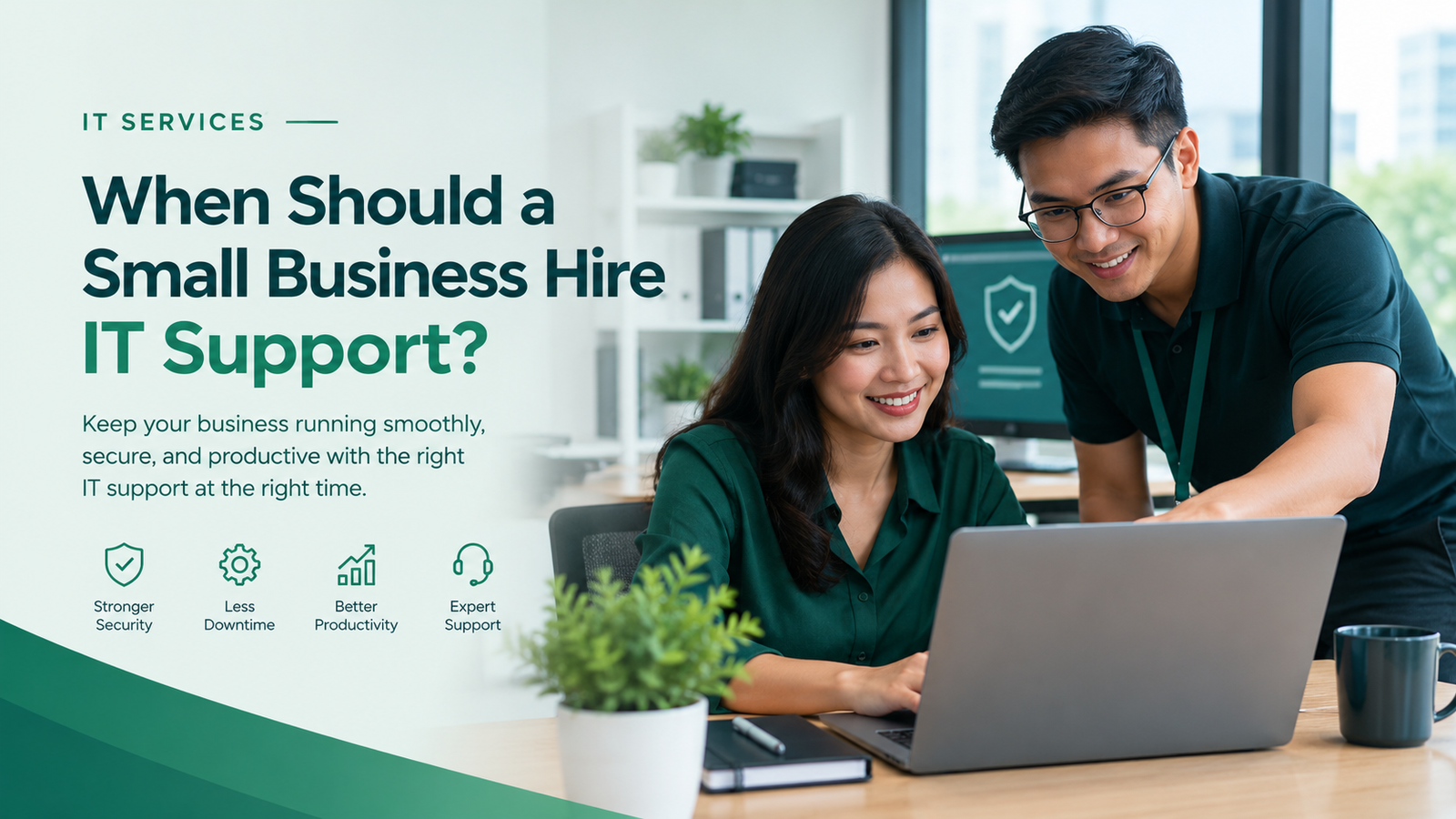
A small business should consider hiring IT support when technology problems regularly interrupt work, employees struggle with technical issues, cybersecurity risks increase, or managing IT becomes too time-consuming and expensive. If your business depends on computers, business software, websites, email, or online systems, professional small business IT support can help keep your operations secure, reliable, and productive.
Many business owners wait until something breaks before seeking technical assistance. A computer failure, lost files, hacked email account, or website outage can quickly affect customers and revenue.
However, IT support is not only about fixing problems. It also helps prevent disruptions, protect business information, and ensure your technology can support your company’s growth.
In this guide, Remotijobs explains the signs that your business may need IT support, the available service options, and how to decide whether hiring external IT professionals makes sense for your company.
Why IT Support Matters for Small Businesses
Technology supports nearly every part of a modern business. Employees use computers to communicate, manage documents, serve customers, process transactions, and complete daily tasks.
When these systems stop working properly, productivity suffers.
Without adequate support, employees may spend hours troubleshooting problems instead of focusing on their responsibilities. Security weaknesses can also expose business information to unauthorized access.
Professional IT support helps businesses maintain reliable systems, resolve technical issues, and reduce avoidable downtime.
Depending on your needs, support may include computer troubleshooting, software installation, network maintenance, account security, backups, cybersecurity, and ongoing system monitoring.
7 Signs Your Small Business Needs IT Support
1. Technical Problems Keep Interrupting Your Work
Occasional computer problems are normal. However, repeated crashes, slow computers, software errors, and network interruptions can become expensive when they affect employees’ productivity.
If your team frequently stops working to fix technical problems, you may need more structured IT support.
For example, employees may struggle to access shared files, experience repeated application failures, or lose time reconnecting to business systems.
When to get help: Consider professional support when problems happen repeatedly, affect multiple employees, or take too long to resolve internally.
An IT professional can investigate the root cause instead of repeatedly treating the same symptoms.
2. Your Business Has No Reliable Cybersecurity Plan
Small businesses are not immune to cyberattacks. Weak passwords, outdated software, unsecured devices, and phishing emails can expose company information.
Without appropriate protection, a single compromised account or infected computer may disrupt business operations.
Warning signs include:
- Employees using weak or shared passwords.
- No multi-factor authentication on important accounts.
- Outdated operating systems or applications.
- No clear process for reporting suspicious emails.
- No reliable backup and recovery plan.
When to get help: Seek IT support if you are unsure whether your business systems are secure or how to respond to a cybersecurity incident.
Depending on your requirements, a provider may help improve account security, update systems, establish backups, and coordinate more specialized cybersecurity assessments.
3. Your Employees Spend Too Much Time Fixing IT Issues
Your employees were hired to perform specific business responsibilities, not to spend hours troubleshooting printers, email problems, software installations, and network connections.
When staff members repeatedly handle technical issues themselves, their actual work may suffer.
This also creates inconsistent solutions. One employee may change a setting that another employee needs, or an improvised fix may introduce new problems.
When to get help: Consider outsourcing IT support when technical troubleshooting becomes a regular part of your employees’ workload.
A dedicated support arrangement gives employees a clear place to report problems and helps your business resolve issues more consistently.
4. Your Business Is Growing
Technology that works for two or three employees may not be sufficient when your business grows to ten, twenty, or more people.
As your team expands, you may need to manage more computers, user accounts, software licenses, shared files, network connections, and access permissions.
Without a consistent process, onboarding new employees and removing access for departing staff can become difficult.
When to get help: Consider IT support before expansion creates recurring problems.
An IT provider can help establish user management, device setup, access controls, software standards, and systems that can scale with your business.
5. You Do Not Have a Reliable Backup and Recovery Plan
Imagine losing important business documents because of a failed hard drive, accidental deletion, ransomware, or a damaged device.
Without reliable backups, recovery may take longer or become impossible.
A backup plan should explain what information is protected, how frequently it is backed up, where copies are stored, and how files can be restored.
When to get help: Seek professional assistance if you are unsure whether your backups work or how quickly your business could recover after a major failure.
An IT professional can help establish appropriate backup procedures and test restoration processes.
6. Your Business Relies on Several Systems That Need to Work Together
Modern businesses often depend on multiple systems, including email, cloud storage, accounting software, customer relationship management tools, websites, and communication platforms.
When these systems are poorly configured or do not work together properly, employees may encounter repeated errors and unnecessary manual tasks.
For example, employees might enter the same customer information into several applications because the systems are not connected.
When to get help: Consider professional IT assistance when system configuration, integrations, or troubleshooting exceed your team’s technical capabilities.
Depending on the issue, you may need IT support, software integration, or business process automation.
7. You Are Unsure Who Is Responsible for Your IT Systems
A business may accumulate technology over time without a clear person responsible for maintaining it.
One employee manages email, another installs software, and an external developer handles the website. Nobody may have a complete view of access permissions, backups, licenses, or security settings.
This can create gaps in accountability and make problems harder to resolve.
When to get help: Consider establishing a clear IT management process when no one has responsibility for maintaining and securing your business systems.
An external IT provider can help document your systems, define responsibilities, and establish procedures for ongoing maintenance.
Should You Hire an In-House IT Employee or Outsource IT Support?
Small businesses generally have three options: manage IT internally, hire an in-house IT professional, or outsource some or all IT responsibilities.
The right choice depends on your business size, technical complexity, budget, and support requirements.
| Option | Best suited for | Main consideration |
|---|---|---|
| Internal staff handling IT | Businesses with simple needs and capable employees | IT duties may compete with employees’ main responsibilities |
| In-house IT employee | Businesses needing consistent, hands-on internal support | Salary, benefits, training, and coverage must be considered |
| Outsourced IT support | Businesses that need professional help without a full-time IT hire | Scope, response times, and service coverage vary by provider |
| Managed IT services | Businesses needing ongoing monitoring and maintenance | Requires a clearly defined recurring service agreement |
When Is Outsourced IT Support a Better Choice?
Outsourced IT support may be suitable when your business needs professional technical assistance but does not have enough work to justify a full-time IT employee.
Depending on the agreement, an external provider may offer remote troubleshooting, system maintenance, account management, backup assistance, and security support.
This approach can give your business access to technical expertise while allowing you to focus on operations and customers.
However, outsourced support is not automatically cheaper or better for every business. Compare the service scope, response commitments, availability, and total cost with your actual requirements.
When Should You Hire an In-House IT Employee?
An in-house IT employee may be appropriate when your company needs regular on-site assistance, manages complex internal systems, or requires a dedicated person who understands its operations in depth.
Some growing businesses use a hybrid approach: an internal employee handles daily coordination while an external provider manages specialized technical work.
The goal is to choose a support model that matches your business rather than paying for capabilities you do not need.
How Much Does IT Support Cost for a Small Business?
The cost of IT support depends on the number of employees and devices, the complexity of your systems, the level of security required, and the provider’s service model.
Common pricing arrangements include:
- Hourly support: You pay for technical assistance when needed.
- Per-device or per-user support: Charges depend on the number of supported computers, users, or other devices.
- Monthly support plans: You pay a recurring fee for an agreed level of assistance.
- Managed IT services: A recurring agreement covers defined maintenance, monitoring, support, and related responsibilities.
Before choosing a provider, ask what the price includes. Emergency work, on-site visits, software licenses, hardware, advanced cybersecurity, and after-hours support may incur additional charges.
Compare the total cost with the time employees lose to recurring problems, the impact of downtime, and the resources required to maintain systems internally.
The cheapest plan is not always the best choice. Look for a service that addresses your actual business risks and operational needs.
What Should You Look for in an IT Support Provider?
Choosing an IT provider requires more than comparing prices. You should understand how the provider will support your business and protect your systems.
Consider these factors before signing an agreement.
1. Clearly Defined Services
Confirm which services are included, such as troubleshooting, device maintenance, software updates, backups, and security assistance.
Ask which services cost extra.
2. Response Times and Availability
Find out how the provider handles urgent issues and whether support is available during your operating hours.
A written service-level agreement can clarify response targets, escalation procedures, and service limitations.
3. Security Practices
Ask how the provider protects administrative access, handles sensitive information, and secures its own support tools.
You should also understand who is responsible for backups, incident response, and security updates.
4. Documentation and Reporting
Your business should retain appropriate documentation of its systems, access permissions, configurations, and support activities.
Clear documentation helps prevent confusion if you change providers or bring IT management in-house.
5. Ability to Support Your Growth
Choose a provider that can accommodate changes in your team, devices, applications, and security requirements.
The arrangement should evolve as your business grows without creating unnecessary complexity.
What IT Support Services Does a Small Business Need?
Not every small business requires the same level of support. Start by identifying the systems your company uses and the problems that affect daily operations.
Common services include:
- IT troubleshooting: Resolving computer, software, printer, and connectivity issues.
- Network support: Maintaining reliable and appropriately secured network connections.
- Device management: Setting up computers, installing updates, and managing configurations.
- Account and access management: Controlling permissions and securing business accounts.
- Backup and recovery: Protecting important information and preparing for data loss.
- Cybersecurity support: Improving security practices and addressing technical weaknesses.
- Cloud and software support: Helping employees use business applications reliably.
- IT planning: Identifying technology needs and planning for future growth.
Your provider should recommend services based on your actual requirements, not simply offer the largest package available.
If you also need to improve your website’s security, explore our Cybersecurity Services for more information about website and business security.
How to Know If Your Business Is Ready for IT Support
You do not need to wait for a major technical failure before seeking assistance.
Consider getting professional support if several of the following statements apply to your business:
- Employees regularly lose time because of technical problems.
- You lack a clear backup and recovery plan.
- Nobody is responsible for maintaining business systems.
- Your team is growing and needs more devices or user accounts.
- You are unsure whether your software and accounts are adequately secured.
- Technical problems are affecting customer service or business operations.
- Your current IT arrangements cannot provide the support you need.
If one or more of these issues affects your business, start by documenting the problems, how often they occur, and their impact on your operations.
This will help you determine which services you need and compare providers more effectively.
Frequently Asked Questions
Does a small business really need IT support?
Not every small business needs a dedicated IT employee. However, businesses that depend on computers, online services, customer information, or connected systems should have a reliable way to manage technical problems and security risks.
When should a small business switch to managed IT services?
Consider managed IT services when technical problems recur, maintenance is inconsistent, security requirements increase, or your business needs ongoing monitoring and support. Compare the proposed service scope with your existing arrangements before switching.
Is outsourced IT support suitable for a business with fewer than 10 employees?
Yes. Outsourced support can suit very small businesses that need occasional technical assistance or structured maintenance without hiring a full-time employee. The appropriate arrangement depends on the business’s systems, risks, and budget.
What is the difference between IT support and managed IT services?
IT support often focuses on resolving technical problems when they occur. Managed IT services typically involve an ongoing agreement covering defined maintenance, monitoring, and support activities. The exact distinction depends on the provider’s contract.
Can IT support help protect my business from cyberattacks?
IT support can help improve security through updates, account protection, access management, backups, and monitoring. More advanced security requirements may need specialized cybersecurity services.
What should I prepare before contacting an IT support provider?
List your computers, important applications, recurring technical problems, backup arrangements, and existing providers. Identify the issues that cause the greatest disruption and ask prospective providers how they would address them.
Get the Right IT Support for Your Business
Technology should help your business operate efficiently, not become a recurring source of delays, security concerns, and unnecessary expenses.
If your employees spend too much time fixing technical problems, your systems are difficult to maintain, or your business lacks a clear IT plan, it may be time to consider professional support.
Remotijobs helps businesses explore technology solutions that align with their operational needs. Whether you need assistance with IT systems, website security, or technology improvements, identifying the right priorities is a practical first step.
Ready to improve your business technology?
Explore Remotijobs IT Services to learn more about our technology solutions for modern businesses.
You can also request a Free Website Growth & Security Assessment to identify potential website improvement and security concerns.
Let your team focus on growing the business while you build a more reliable technology foundation.