
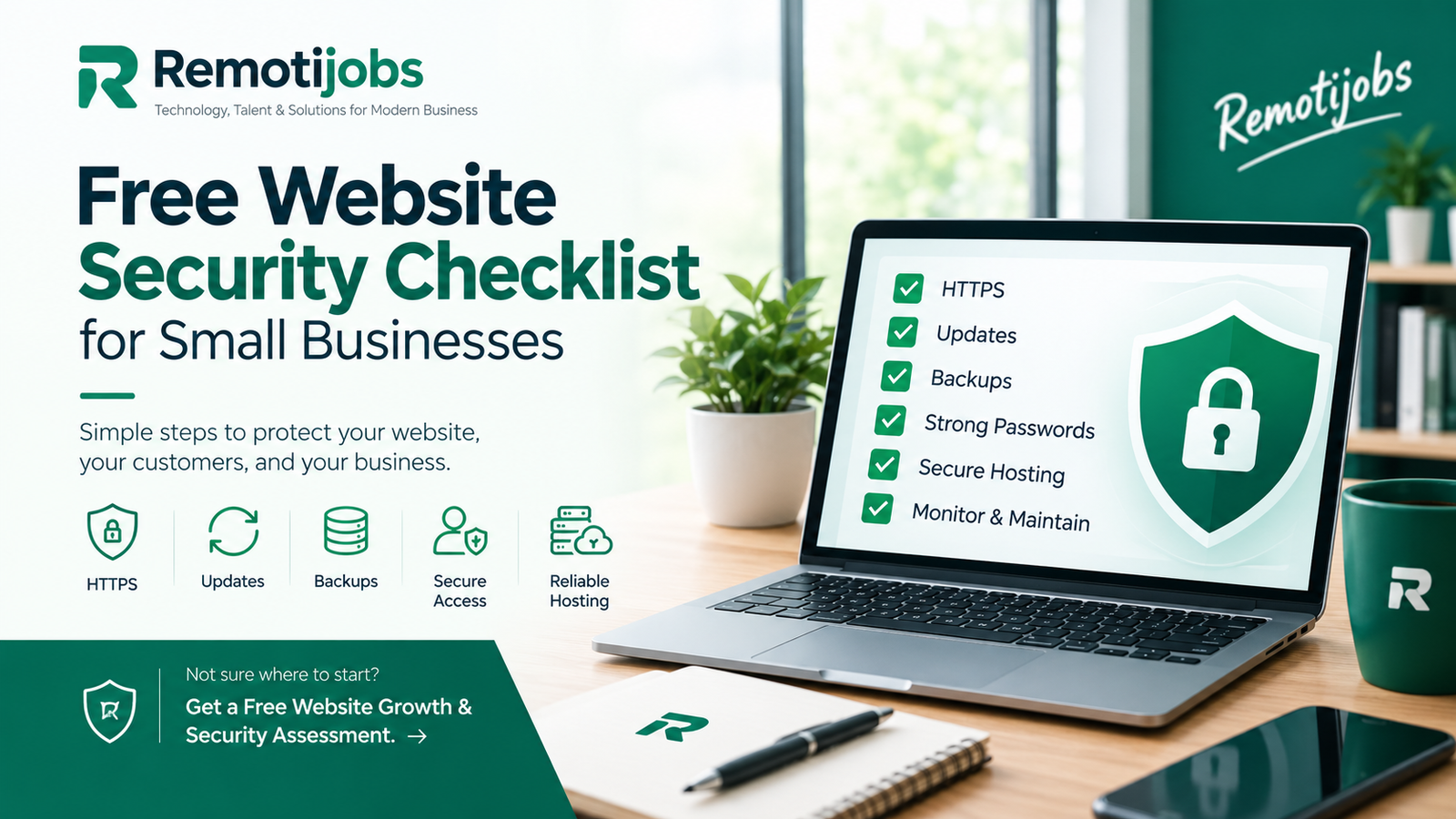
Your website is often one of your most important business assets. It introduces customers to your company, generates inquiries, promotes your services, and may collect names, email addresses, payment information, and other customer data. For small businesses, keeping that website secure is just as important as keeping the rest of the business running smoothly.
The good news is that you do not need a large cybersecurity budget to start improving your website security. Many of the most important security practices are simple, inexpensive, and can be checked regularly.
This free website security checklist for small businesses explains the basic steps you can take to protect your website from common security risks. It covers HTTPS, software updates, passwords, backups, administrator access, hosting, forms, security headers, and ongoing monitoring.
If your business website uses WordPress, these practices are particularly important because your website depends on several components, including WordPress itself, plugins, themes, hosting, and administrator accounts.
Why Website Security Matters for Small Businesses
Small businesses sometimes assume that cybercriminals are primarily interested in large corporations. However, many website attacks are automated. Attackers can scan large numbers of websites looking for outdated software, weak passwords, vulnerable plugins, exposed administrative areas, or other common weaknesses.
A compromised website can cause significant problems. Your website could be taken offline, modified without your permission, filled with spam, redirected to another website, or used to distribute malicious content. If your website collects customer information, a security incident could also create privacy and reputational concerns.
There is also a business impact. A website that displays a browser security warning or suddenly redirects visitors to another site can immediately reduce customer confidence.
Website security should therefore be treated as part of normal website maintenance rather than something you think about only after an attack.
1. Check That Your Website Uses HTTPS
The first thing to check is whether your website uses HTTPS.
Open your website in a browser and look at the address. A secure website should begin with https:// rather than http://.
HTTPS encrypts information as it travels between a visitor’s browser and your website. This is particularly important when visitors submit information through contact forms, log into accounts, make purchases, or provide other personal information.
Most modern hosting providers offer SSL/TLS certificates, and many provide them at no additional cost.
However, HTTPS is only one part of website security. Having a padlock in the browser does not mean the entire website is protected from hacking, malware, vulnerable plugins, or compromised accounts.
2. Keep Your Website Software Updated
Outdated website software is one of the areas small businesses should pay close attention to.
If your website uses WordPress, regularly check for updates to WordPress itself, plugins, themes, and other components. Software updates can include security fixes that address vulnerabilities discovered after previous versions were released.
This is especially important for plugins because every plugin adds functionality to your website and can potentially introduce additional security or compatibility risks.
Before making major updates, make sure your website has a reliable backup. If an update causes a problem, you should have a way to restore the previous working version.
If your website has not been updated for a long time, it may be worth having a professional review the installation before performing multiple updates at once.
3. Remove Plugins and Themes You No Longer Need
Installing a plugin for a specific purpose and then forgetting about it is common among website owners.
An unused plugin may not be doing anything visible on your website, but leaving unnecessary software installed increases the amount of technology that needs to be maintained.
Review your WordPress installation regularly. If a plugin or theme is no longer required, remove it. You should also be careful about where you obtain plugins and themes. Avoid downloading software from unknown or untrusted websites.
A smaller and well-maintained WordPress installation is generally easier to manage than one containing numerous unnecessary components.
4. Protect Your Administrator Accounts
Your website administrator account deserves special attention.
If someone gains access to an administrator account, they may be able to change website content, install software, create additional accounts, modify settings, or access information that should remain private.
Use a strong, unique password for your website administration account. Do not reuse the same password for your email, hosting account, domain registrar, or other services.
Where possible, enable multi-factor authentication. This adds another layer of protection because an attacker would need more than just your password to access the account.
You should also review your WordPress users periodically. If former employees, contractors, developers, or other users no longer need access, remove their accounts or reduce their permissions.
Not everyone who works on your website needs administrator privileges.
5. Maintain Reliable Website Backups
Backups are one of the most important parts of a website security strategy.
Even if you take every reasonable precaution, problems can still occur. A plugin update could break your website, a hosting issue could cause data loss, or an attacker could compromise your installation.
A good backup gives you a recovery option.
For a typical WordPress website, your backup should include both the website files and the database. Keeping only one of these may not be enough to completely restore the website.
Do not simply assume that your hosting company has everything covered. Find out how frequently your website is backed up, where the backups are stored, how long they are retained, and how restoration works.
Most importantly, periodically verify that your backups can actually be restored.
A backup that has never been tested is not something you should rely on during an emergency.
6. Review Your Hosting Security
Website security does not stop at WordPress.
Your hosting environment also plays an important role. Depending on your hosting provider and plan, your website may have access to SSL certificates, malware scanning, firewalls, backups, DDoS protection, server updates, and other security features.
Review what your hosting provider actually provides rather than assuming that every security feature is included.
You should also secure the hosting account itself. Use a strong password and multi-factor authentication if available, and limit access to people who genuinely need it.
Your domain registrar should receive the same level of attention. Someone who gains access to your domain account could potentially interfere with your website or other online services.
7. Secure Your Website Contact Forms
Contact forms are essential for many small businesses because they generate leads and customer inquiries. Unfortunately, they can also attract automated spam and abuse.
Review the forms on your website and make sure they only request information that is necessary.
For example, a simple request for a website quotation may only require a name, email address, company information, and a description of the project. There is usually no reason to request highly sensitive information through a basic contact form.
Your forms should also have appropriate spam protection and should send submissions only to authorized business accounts.
If your website stores form submissions, review who can access that information and how long it is retained.
8. Check Your Website Security Headers
Security headers are another area worth reviewing.
Headers such as Content-Security-Policy, X-Content-Type-Options, Referrer-Policy, Strict-Transport-Security, and Permissions-Policy can provide browsers with additional instructions that help reduce certain security risks.
However, security headers should not simply be copied from another website and applied without testing.
For example, an overly restrictive Content Security Policy could prevent legitimate scripts, forms, analytics tools, or other website functionality from working correctly.
If you are unfamiliar with security headers, this is an area where a professional Cybersecurity Services assessment can be useful.
9. Look for Signs of a Compromised Website
Website owners should know what unusual activity looks like.
Unexpected redirects, unfamiliar pages, strange administrator accounts, unknown plugins, suspicious JavaScript, unusual pop-ups, or sudden changes to website content can all justify further investigation.
A website that suddenly becomes slow or starts sending large amounts of spam may also require attention.
Do not assume that deleting the visible problem automatically fixes the underlying issue. A compromised website can contain multiple malicious files, accounts, or configuration changes.
If you suspect that your website has already been compromised, consider taking a more comprehensive security approach rather than simply deleting suspicious files.
10. Keep Your Server Environment Updated
WordPress runs on a server environment that includes technologies such as PHP, a web server, and a database.
Keeping these components updated is important for both security and compatibility.
If your website uses an outdated PHP version, check whether your hosting provider allows you to upgrade to a currently supported version. Before changing the PHP version, however, make sure your WordPress installation, theme, and plugins are compatible.
This is another reason why regular website maintenance matters. A website that is updated gradually is generally easier to maintain than one that has been neglected for several years.
11. Make Website Security an Ongoing Process
One of the biggest mistakes small businesses make is treating website security as a one-time project.
Security changes over time. New vulnerabilities are discovered, software receives updates, employees change, passwords need to be replaced, and new plugins or integrations may be added.
A simple maintenance schedule can help.
Check your website updates and backups regularly. Review user accounts and installed plugins periodically. Every few months, perform a deeper review of your hosting, domain, website configuration, forms, and security controls.
The exact frequency will depend on the type and complexity of your website, but the important point is consistency.
Free Website Security Checklist
If you want a simple starting point, review these areas:
HTTPS: Is your website using HTTPS correctly?
Updates: Are WordPress, plugins, themes, PHP, and other components maintained?
Access: Are administrator accounts protected with strong passwords and multi-factor authentication?
Users: Does every user still need access, and are permissions appropriate?
Backups: Are complete website and database backups being created and tested?
Hosting: Are your hosting and domain accounts properly protected?
Forms: Are contact forms protected against spam and unnecessary data collection?
Security: Have you checked for suspicious files, accounts, redirects, or website changes?
Monitoring: Do you have a regular process for checking the website?
These basic checks can significantly improve your website security posture without requiring a large technology investment.
When a Free Checklist Is Not Enough
A checklist is a useful starting point, but it cannot identify every vulnerability.
For example, your website could have HTTPS, strong passwords, updated plugins, and regular backups while still containing a vulnerability in custom code, a plugin, a theme, a server configuration, or an application.
Businesses that process customer information, operate online stores, use membership systems, or connect their websites to external applications may require a more detailed assessment.
This is where professional Cybersecurity Services can help. A security assessment can examine areas that are difficult for a non-technical website owner to evaluate and can identify potential weaknesses that may not be visible from the WordPress dashboard.
For businesses that also need website improvements, a Web Development review can examine the technical structure, performance, functionality, and maintainability of the website at the same time.
Website Security and SEO Work Together
Website security should also be considered as part of your broader digital strategy.
A compromised website can create unwanted redirects, spam pages, malicious content, or other problems that negatively affect the visitor experience. Security problems can also damage the credibility of a business website.
That does not mean security and SEO are the same thing. They are separate areas that should be managed together.
Your SEO strategy should focus on search visibility, content, technical SEO, and user experience, while your security strategy focuses on protecting the website and its users.
Keeping both areas healthy gives your website a stronger foundation for long-term growth.
Get Your Website Checked Before There Is a Problem
Small businesses do not need to wait for a security incident before reviewing their website.
Start with the basics. Check HTTPS, update your software, remove unnecessary plugins, protect administrator accounts, maintain reliable backups, secure your hosting and domain accounts, and monitor your website for unusual activity.
If you are not sure whether your website is secure, getting an independent review can help you understand what needs attention.
Remotijobs offers a Free Website Growth & Security Assessment for businesses that want to identify potential website, SEO, and security issues.
A professional review can help you understand where your website currently stands and which improvements should be prioritized.
Final Thoughts
Website security does not have to be complicated.
For most small businesses, the best place to start is with good maintenance habits. Keep your software updated, use strong authentication, control administrator access, maintain reliable backups, secure your hosting and domain accounts, and regularly look for unusual activity.
These steps will not guarantee that a website can never be attacked, but they can reduce avoidable risks and make your website easier to protect and recover.
Use this free website security checklist for small businesses as a starting point, then consider a more comprehensive free assessment as your website, customer base, and online operations grow.
A secure website is not simply a technical requirement. It is part of building a reliable digital presence that customers can trust.